Redo Paper: photograph a finished worksheet, get a blank one back
Upload photos of a completed worksheet or exam paper. AI removes every handwritten answer while keeping the printed questions exactly as they are, ready to print and redo.
Several images or one PDF (split per page) — up to 10 MB total.
Photo tips
- Good light — avoid glare and shadows
- Keep the whole page in frame with a small margin
- Cover the name before photographing for privacy
How it works
- 1
Photograph or scan
Take a photo of the finished worksheet, exam paper or workbook page — or upload a PDF directly.
- 2
AI removes the handwriting
The model erases every handwritten answer and correction while preserving the printed questions and layout.
- 3
Preview and download
Compare before and after instantly; a free account downloads the high-res blank PDF to print and redo.
Who it's for
- Redo a past test
- Blank out an answered test so your child can take it again and show what they really know.
- Reuse workbooks
- Practice books are used once and wasted — clean them and use the pages again.
- Redo mistake questions
- Pair it with the mistake record: clear the questions that went wrong and try them again.
- Recycle teaching materials
- Teachers can reset filled-in handouts to blank for the next class or quiz.
See the results
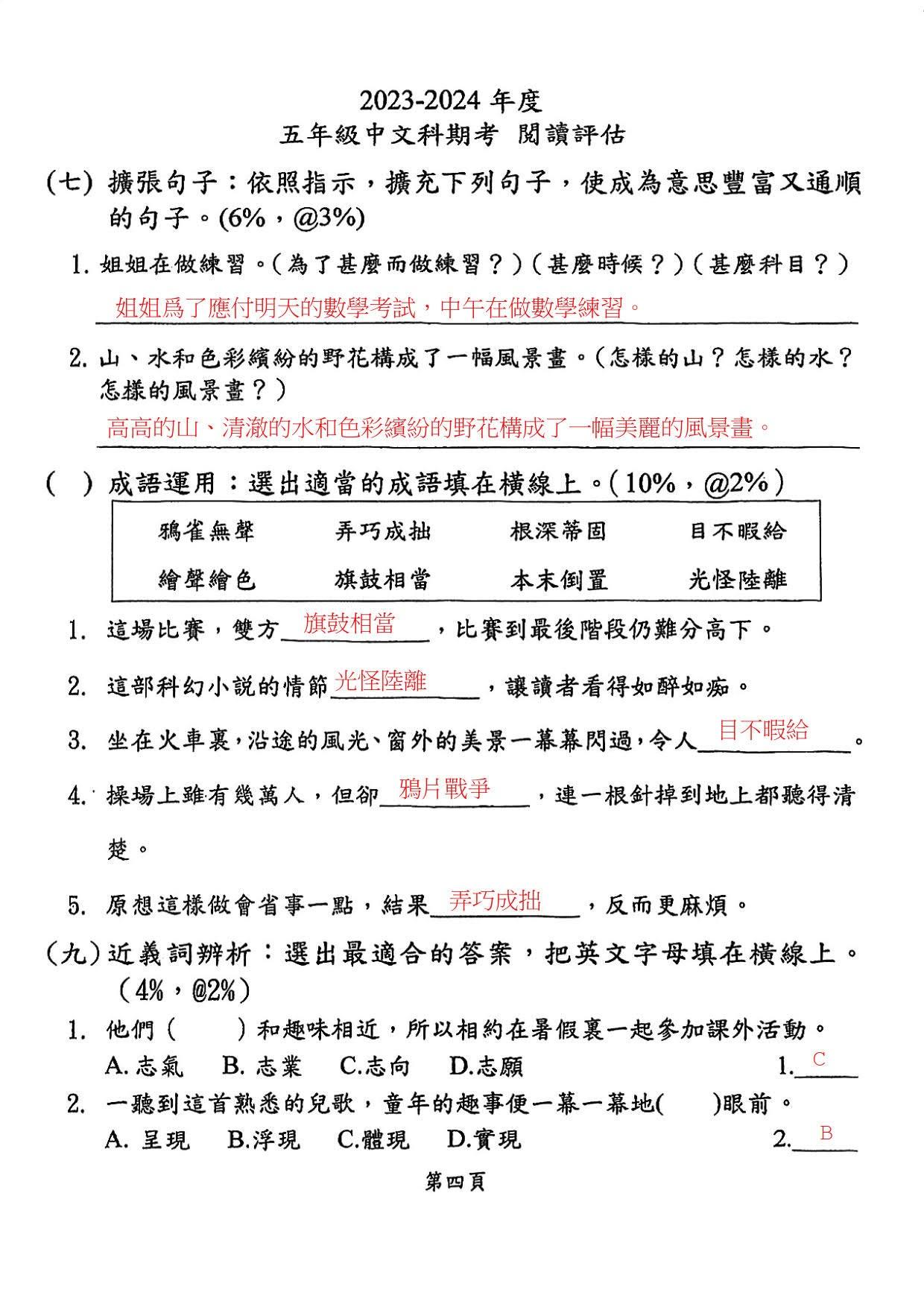
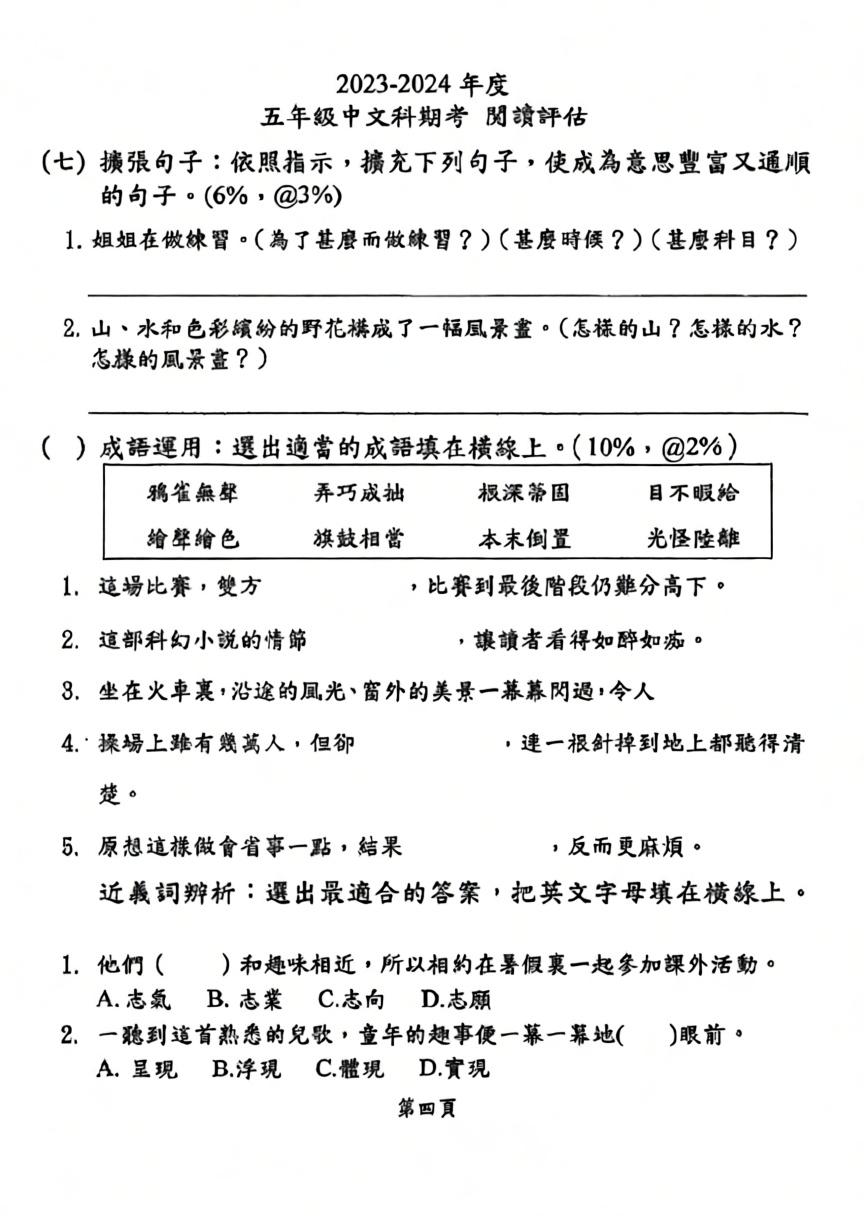
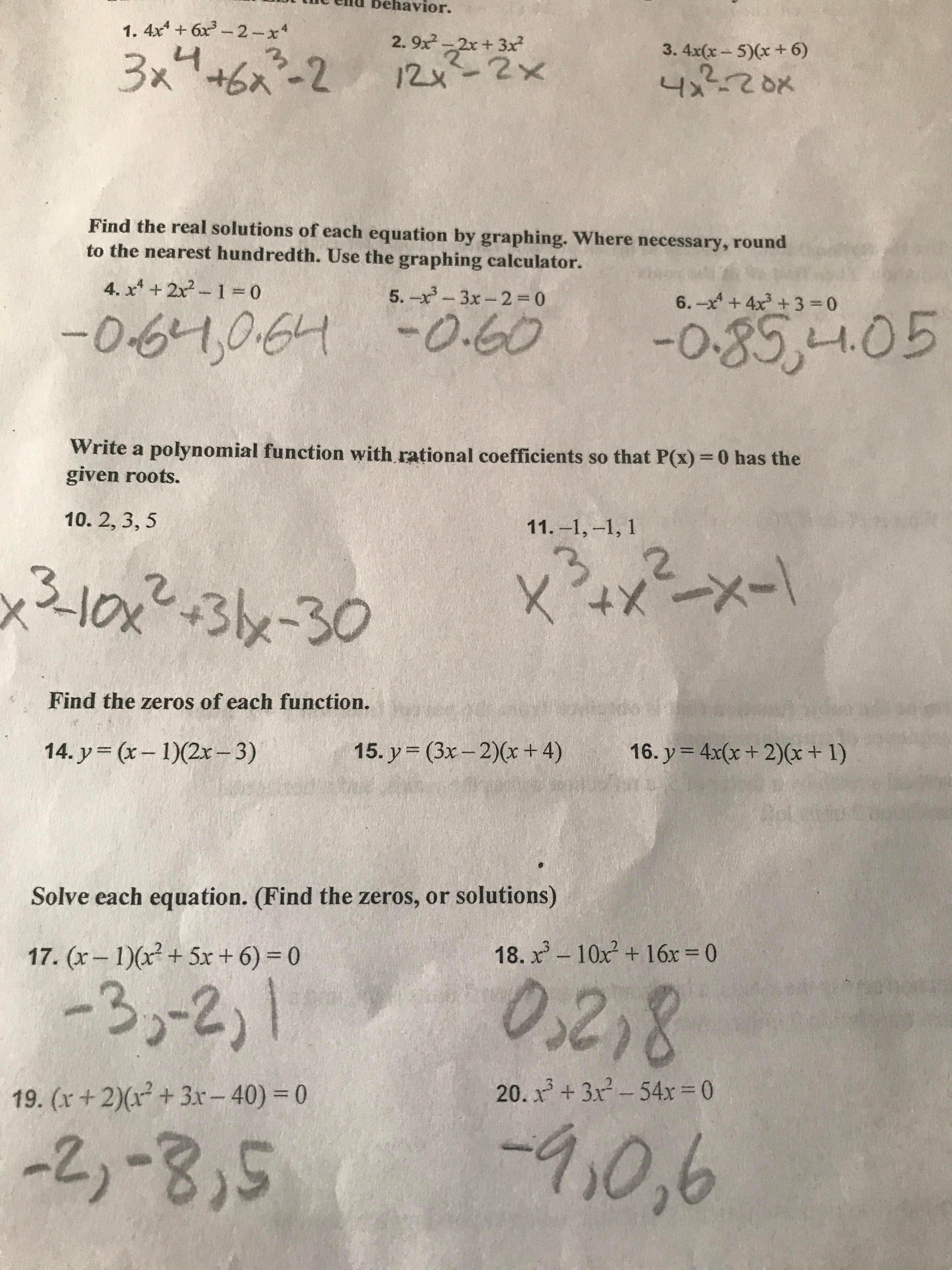
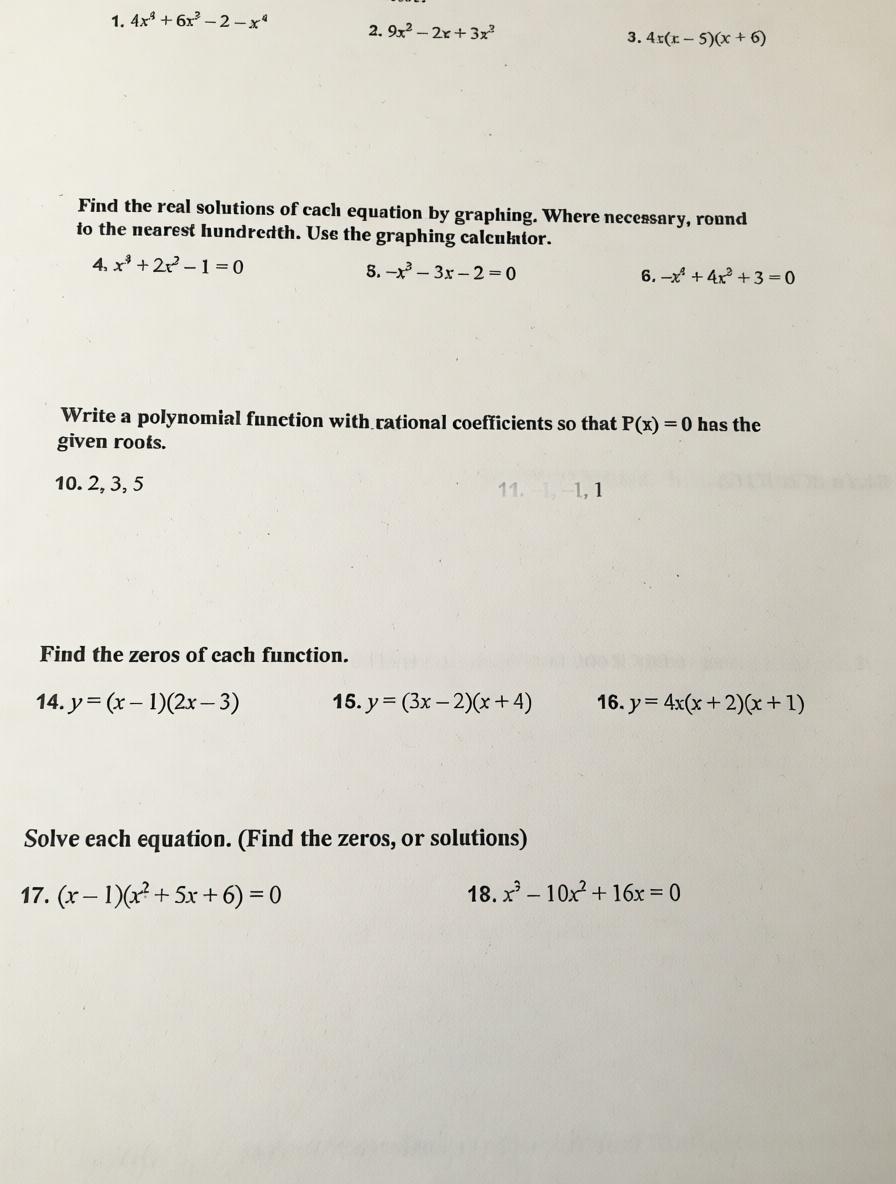
Real worksheets, before and after (demo images are watermarked).
FAQ
›Do I need an account?
No. Uploading, processing and previews are account-free — only the high-res PDF download needs a free account.
›Will it erase the printed questions?
No. Only handwriting is removed; printed text and layout are preserved. Always check the before/after view.
›Which formats are supported?
JPEG and PNG photos, or a PDF (split into one image per page) — up to 10 MB total.
›How many pages at once?
Up to 4 pages per job without an account; signed-in accounts use a monthly fair-use cap (about 100 pages).
›Are my photos private?
Pages live in private storage and are deleted after 30 days; you can delete them sooner — see the privacy policy.
›Does pencil or erased ink come off too?
Yes — pencil, ballpoint, red pen and leftover eraser marks are removed. If a spot remains, hit retry.
›Is it sharp enough to print?
Output keeps your photo's own resolution (up to about 1500 px on the long edge) — clear enough for typical home printing.
AI disclaimer
This tool uses AI models to process images; output may differ slightly from the original. Parents and teachers should check the questions before printing.